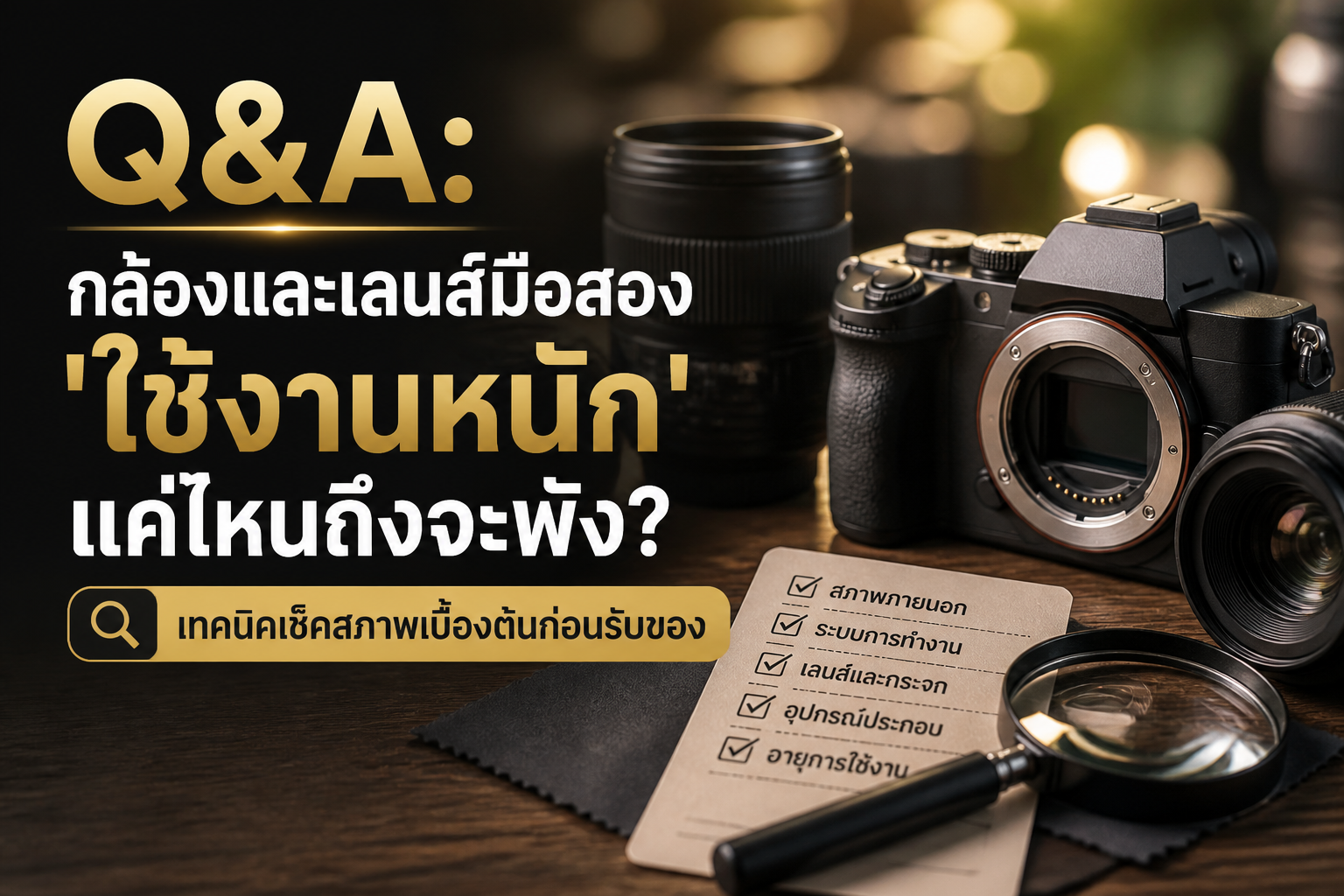
Second-hand cameras are an attractive option for many people starting out in photography, thanks to more affordable pricing. But there are concerns that beginners may have, especially about 'batteries'. Sometimes you might encounter issues like the battery won't charge, or it won't hold a charge — you barely get any shots before it's dead. So the question is: can a second-hand camera battery with these problems be repaired? Or is the only solution to buy a new one? Today we'll answer your questions and provide practical guidance to help you use your second-hand camera with more confidence, plus a simple method to check your battery condition yourself.
Second-hand camera battery won't charge: common problems and basic fixes
A battery that won't charge is frustrating. First, try to figure out what's causing it. Sometimes it might not be the battery itself.
1. Check the charger and power cable
Sometimes the problem isn't with the battery, but with the external equipment. Check the charger and power cable first.
Charger: Look for signs of damage, wear, or dirt blocking the charger. Try wiping the contacts with a clean, dry cloth.
Power cable: Check if the cable connecting to the charger and plug shows signs of bending, tearing, or damage. If it does, try using a new cable that works normally.
Outlet: Try plugging the charger into a different outlet to see if the original outlet has a problem.
2. Battery contacts and camera battery compartment
Dirt or oxidation on the battery contacts and inside the camera's battery compartment can block charging or power delivery.
Clean the contacts: Gently wipe the metal terminals of the battery with a pencil eraser or clean, dry cloth. Use a cotton swab dipped in electronics-grade alcohol to carefully clean the battery compartment inside the camera.
3. Try a different battery (if you have one)
If you have another battery of the same model, try charging it with the same charger to see if it charges. If it does, the problem may be with the first battery. But if it still won't charge, the problem may be with the charger.
Battery won't hold a charge: why does a second-hand camera battery drain faster than normal?
A camera battery that won't hold a charge or drains faster than normal is a common symptom in batteries that have been used for a long time, and can have several causes.
1. Battery lifespan
Li-ion (lithium-ion) batteries used in most cameras have a lifespan measured in charge cycles, and their performance decreases over time and use. The more charge cycles a battery goes through, the lower its capacity becomes. It's normal for a second-hand battery to not perform as well as a new one.
2. Improper use
Leaving the battery charging for too long, or letting it drain completely frequently, can also affect battery performance in the long term.
3. Temperature
Using the camera in very high or very low temperatures can also affect battery performance and lifespan.
How to check your camera battery condition yourself
Before deciding whether to replace your battery, you can do a basic check of its condition yourself.
1. Check physical condition
Remove the battery and see if it's swollen, deformed, leaking, or showing burn marks. If you see any of these signs, the battery is severely degraded and should be replaced right away.
2. Observe usage time
Fully charge the battery, then use the camera normally and see how long it lasts compared to previous uses or compared to the battery's expected performance. If the battery drains much faster than normal — for example, fully charged but dead after just a few shots — the battery is likely degraded.
3. Use the battery status check function in the camera (if available)
Some camera models, such as FUJIFILM cameras using the NP-W235 battery, may have a function that lets you check battery status directly from the camera menu, which can show battery health information or remaining charge cycles.
Replace with a new one... is that the best solution?
If you've tried basic troubleshooting without success, or the battery shows clear signs of degradation, replacing it with a new battery is usually the best solution. It will restore your camera to full performance and reduce the risk of a faulty battery damaging the camera body.
How to choose a new battery
For FUJIFILM cameras using the NP-W235 battery, you should consider choosing a battery that meets standards to ensure quality and performance as close as possible to the original.
Things to consider when deciding to replace:
Compatibility: Make sure the new battery is the correct model for your camera.
Quality: A good-quality battery will give you longer use and safety.
Charger: If the original charger has problems, replacing it along with the battery is a good option.
Understanding the problem and doing basic troubleshooting will help you decide whether to repair or replace your battery, so your beloved second-hand camera can work at full capacity again and you won't have to worry about battery problems anymore.
How to buy a second-hand camera wisely
Before buying a second-hand camera, we recommend checking the exterior condition, testing all functions, and asking the seller about the camera's history. Browse all second-hand cameras or choose from all second-hand FUJIFILM cameras at our shop.